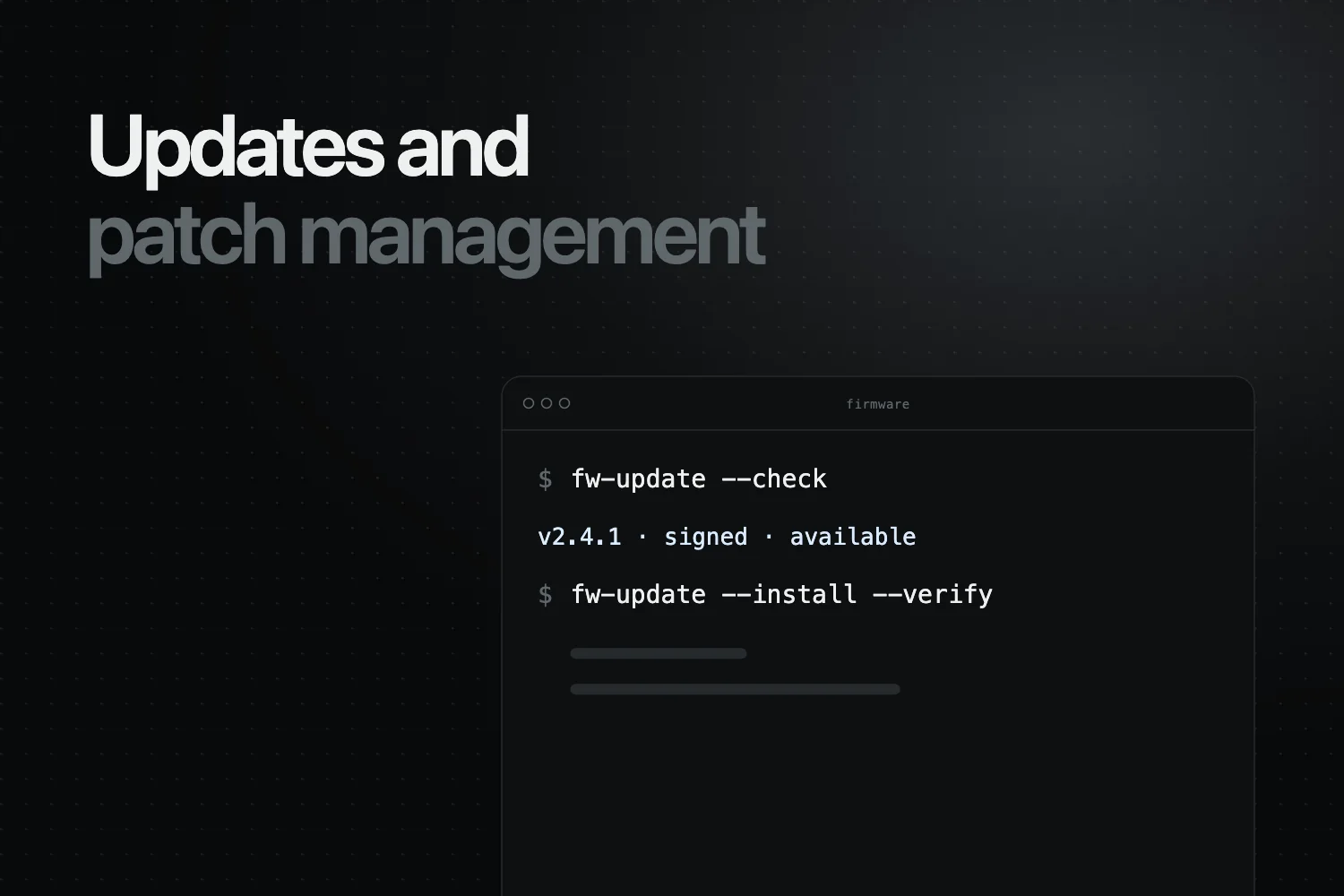
The Cyber Resilience Act (CRA) establishes strict and detailed update and patch management requirements for all Products with Digital Elements (PDEs). These obligations ensure that products remain secure throughout their lifecycle, even after they are placed on the EU market.
This guide explains the complete set of update requirements introduced by the CRA, including secure delivery, lifecycle support, validation, rollback prevention, user communication and documentation duties under Annex II and Annex VII.
Part of our guide to all 22 CRA essential requirements in Annex I.
1. Why Update & Patch Management Matters Under the CRA
Historically, many IoT devices, embedded systems and software products received minimal or inconsistent security updates. The CRA addresses this gap by requiring manufacturers to:
- Deliver security updates throughout the product’s support period
- Ensure updates are secure, authenticated and verified
- Define a support period and tell users when it ends
- Document update procedures and evidence for authorities
Poor update practices are one of the main causes of long-term insecurity in digital products. The CRA makes update management a legal obligation.
In Regulus, free for manufacturers: work through all 22 Annex I requirements, each with its evidence.
2. Legal Basis for Update Requirements in the CRA
Update obligations appear in three main sections of the regulation:
2.1 Annex I – Essential Cybersecurity Requirements
Annex I mandates that:
- Vulnerabilities can be addressed through security updates, with automatic security updates enabled by default where applicable, a clear opt-out and the option to postpone them (Part I(2)(c))
- Programs and configuration are protected against unauthorised modification (Part I(2)(f))
- Security updates are distributed securely, without delay and free of charge, with advisory messages for users (Part II(7) and (8))
- Security updates are provided separately from functionality updates where technically feasible (Part II(2))
2.2 Annex VII – Technical Documentation
Manufacturers must document:
- The technical solutions chosen for the secure distribution of updates
- Vulnerability handling processes, including the SBOM and the coordinated vulnerability disclosure policy
- Cryptographic protections
- Test reports verifying conformity with Annex I
2.3 Annex II – Information for Users
Manufacturers must tell users:
- The type of technical security support offered and the end date of the support period
- How security-relevant updates can be installed
- How to turn off automatic security updates
- Where to report vulnerabilities
Is your product Class I, Class II or default?
Classify it in Regulus by its core function, with the exact Annex III or IV reference. The requirements, risk assessment and technical file follow from the answer. Free for manufacturers.
3. CRA Update & Patch Management Requirements (Full Breakdown)
3.1 Updates Must Be Delivered Securely
Manufacturers must implement secure update delivery mechanisms that ensure:
- Authenticity (updates are signed by the manufacturer)
- Integrity (updates cannot be tampered with)
- Confidentiality where relevant
The CRA does not prescribe a signing method, but unsigned or unverified updates are very hard to reconcile with these requirements.
3.2 Updates Must Be Validated Before Deployment
Manufacturers should:
- Test updates for security regressions
- Validate compatibility with the product
- Document testing results
This evidence also supports the effective and regular security testing required by Annex I, Part II(3).
3.3 Rollback Prevention
The CRA does not mention rollback explicitly, but to keep known exploitable vulnerabilities out, manufacturers should ensure:
- Devices cannot revert to insecure firmware
- Attackers cannot install outdated or vulnerable versions
This requires version control, signing enforcement and secure boot integration.
3.4 Update Transparency for Users
Users must be informed of:
- Available security updates
- The need to apply updates when manual action is required
- Critical vulnerabilities addressed by updates
Where applicable, automatic security updates must be enabled by default, with a clear and easy opt-out and the option to postpone them (Annex I, Part I(2)(c)). This does not apply to products mainly intended for integration as components, or where users would not reasonably expect automatic updates, as in many industrial settings.
4. Lifecycle Support Requirements
One of the most misunderstood CRA obligations is lifecycle support. Manufacturers must:
- Provide security updates for the full support period
- Define how long the product will receive updates
- Communicate this period to users
The support period must reflect the time the product is expected to be in use and be at least five years, unless the product is expected to be in use for less time (Article 13(8)). Each security update must also remain available for at least 10 years after it is issued, or for the rest of the support period if that is longer (Article 13(9)).
4.1 Examples of Support Periods
- Consumer IoT: at least 5 years, unless the device is expected to be in use for less time
- Industrial controllers: usually well beyond 5 years, in line with their long expected use time
- Developer tools: at least 5 years, unless their expected use is shorter
- Aftermarket vehicle accessories (in scope when not type-approved as part of the vehicle): aligned with their expected use time
Under-supporting products is a risk for market surveillance action.
5. Secure Update Architecture (Recommended)
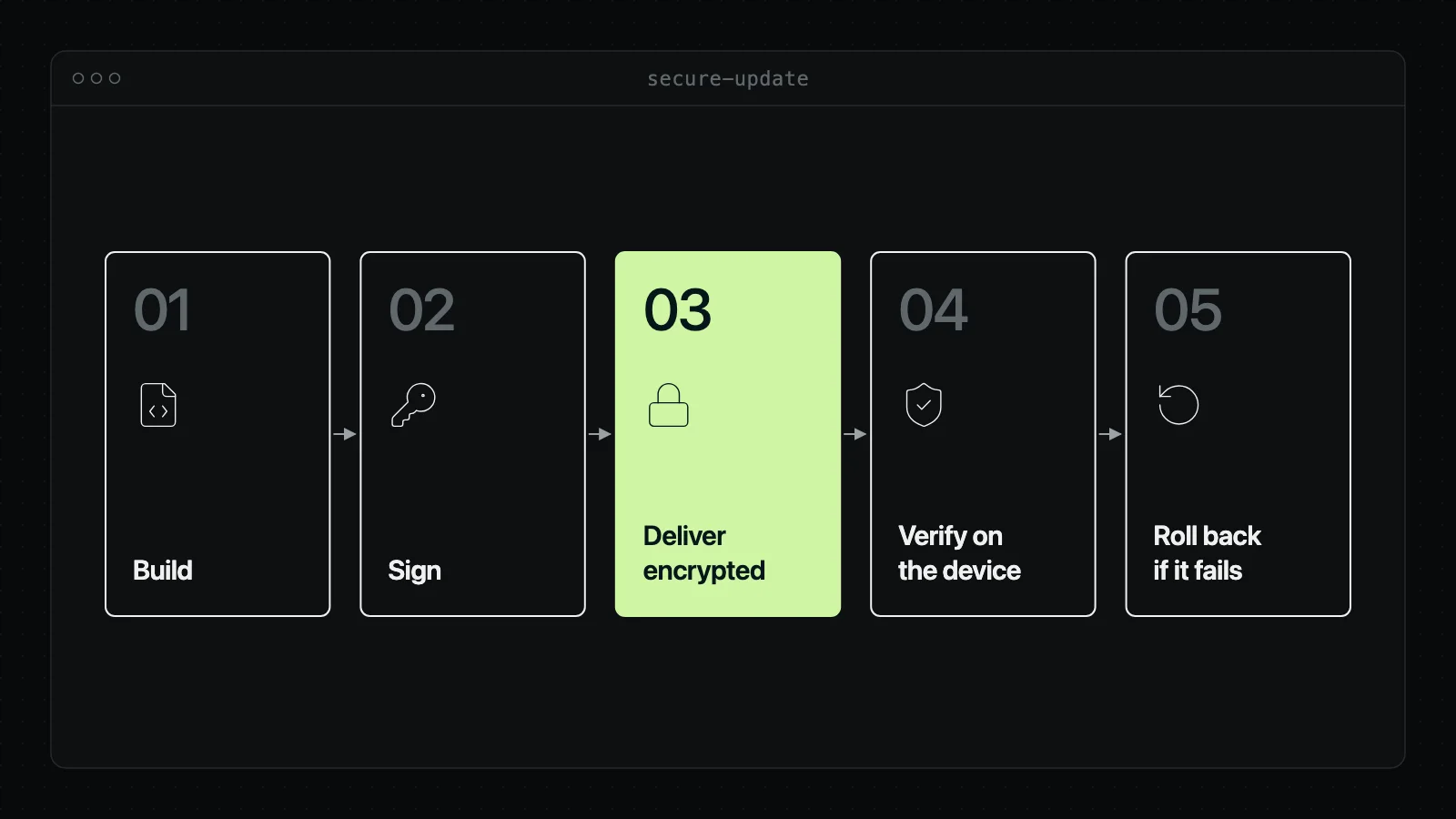
A secure update architecture typically includes:
- Cryptographically signed firmware/software
- Secure boot enforcing authenticity
- Encrypted update channels
- Fallback protection
- Atomic installation mechanisms
These are essential to prevent attackers from exploiting update mechanisms.
6. Update Lifecycle Workflow
- Identify vulnerability requiring a patch
- Develop update or mitigation
- Validate update for regressions
- Cryptographically sign update
- Deliver update securely to users/devices
- Verify installation success
- Document validation and deployment
- Monitor post-update security
The CRA does not prescribe these exact steps, but the update obligations apply whatever the product’s class: default, important (Class I or II) or critical.
7. Relationship Between Updates and Vulnerability Handling
Update management is directly linked to vulnerability handling:
- Remediation relies on updates
- Incident reporting may trigger updates
- Annex VII documentation connects updates to vulnerabilities
Failure to provide timely updates can breach multiple CRA obligations simultaneously.
8. Documentation Requirements for Updates (Annex II & VII)
In practice, manufacturers should keep:
- Update testing evidence
- Security validation logs
- Signing procedures
- Version history
- Remediation timelines
Authorities may request the technical documentation at any time, and it must be kept for at least 10 years after the product is placed on the market or for the support period, whichever is longer.
9. Common Compliance Mistakes
- No signed updates
- No rollback protection
- Incomplete update history
- Insufficient testing logs
- No clear support-period definition
- Failure to notify users of required updates
10. How Regulus Helps Manufacturers
Regulus does not deliver updates for you, but it helps with the compliance side of update management:
- The Annex I requirements, including the update ones, worked through one by one for each product
- The support period recorded per product and carried into the user information (Annex II)
- Vulnerability tracking with the Article 14 reporting deadlines
- The technical documentation (Annex VII) and the rest of the nine-document pack in Word
- An expert review, as a paid option, when you want a second opinion
Start here: CRA Applicability Checker
Conclusion
Update and patch management is one of the most critical CRA obligations. Manufacturers must implement secure update mechanisms, maintain rigorous documentation, define lifecycle support periods and validate updates before release.
For templates, checklists and guidance, explore: Cyber Resilience Act Resources